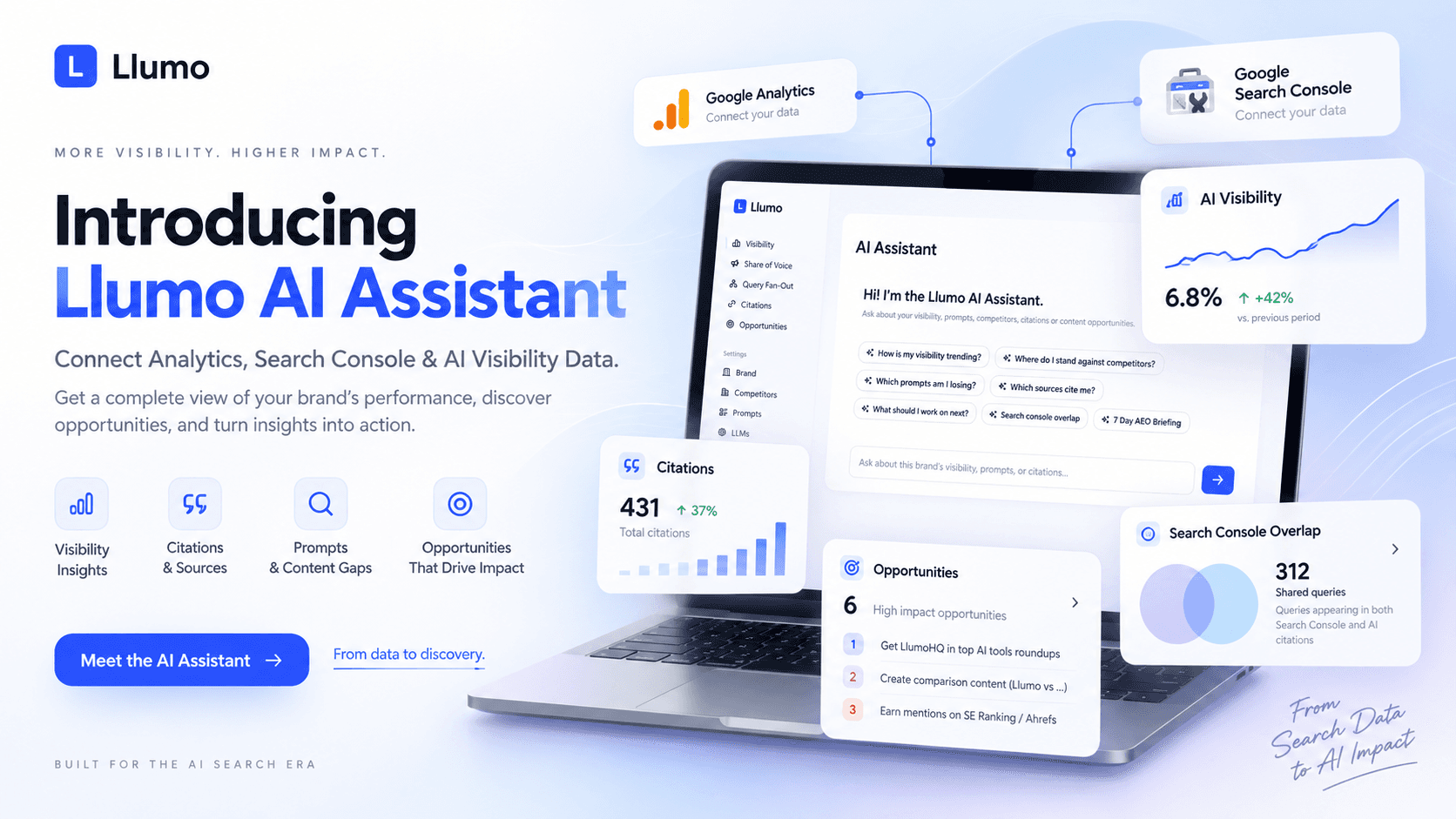
AI visibility data is useful. Google Search Console data is useful. Google Analytics data is useful.
The problem is that they usually live in completely separate places.
That makes it difficult to answer the questions that actually matter: Are the topics driving Google impressions also getting our brand mentioned in AI answers? Which prompts are competitors winning that we are not? Are we being cited by the right sources? What content are we missing? And what should we work on next?
That is what we built the new Llumo AI Assistant to solve.
|
One Assistant Across Your Search and AI Data
The AI Assistant sits directly inside Llumo and can work with the data already collected for your brand, including:
· AI visibility and brand mentions
· Share of voice
· Tracked prompts and prompt history
· Competitor performance
· AI citations and source domains
· Query fan-out data
· Google Search Console
· Google Analytics 4
· Llumo opportunities and historical visibility data
Connect the Google Analytics property and Search Console property associated with your website, then ask questions in plain English. No exports. No spreadsheets. No jumping between five dashboards.

Connect Google Analytics and Google Search Console directly to your Llumo AI Assistant while keeping Llumo visibility, prompt and citation data in the same workspace.
Ask Questions Instead of Building Reports
Once your data is connected, the Assistant can investigate it for you. For example:
|
Llumo can pull the relevant data sources, align the reporting windows, calculate the comparison and return the answer directly inside the conversation.
That means someone responsible for SEO, AEO or marketing does not have to manually download GA4 data, compare date ranges, export AI visibility scores and then try to make sense of everything themselves.
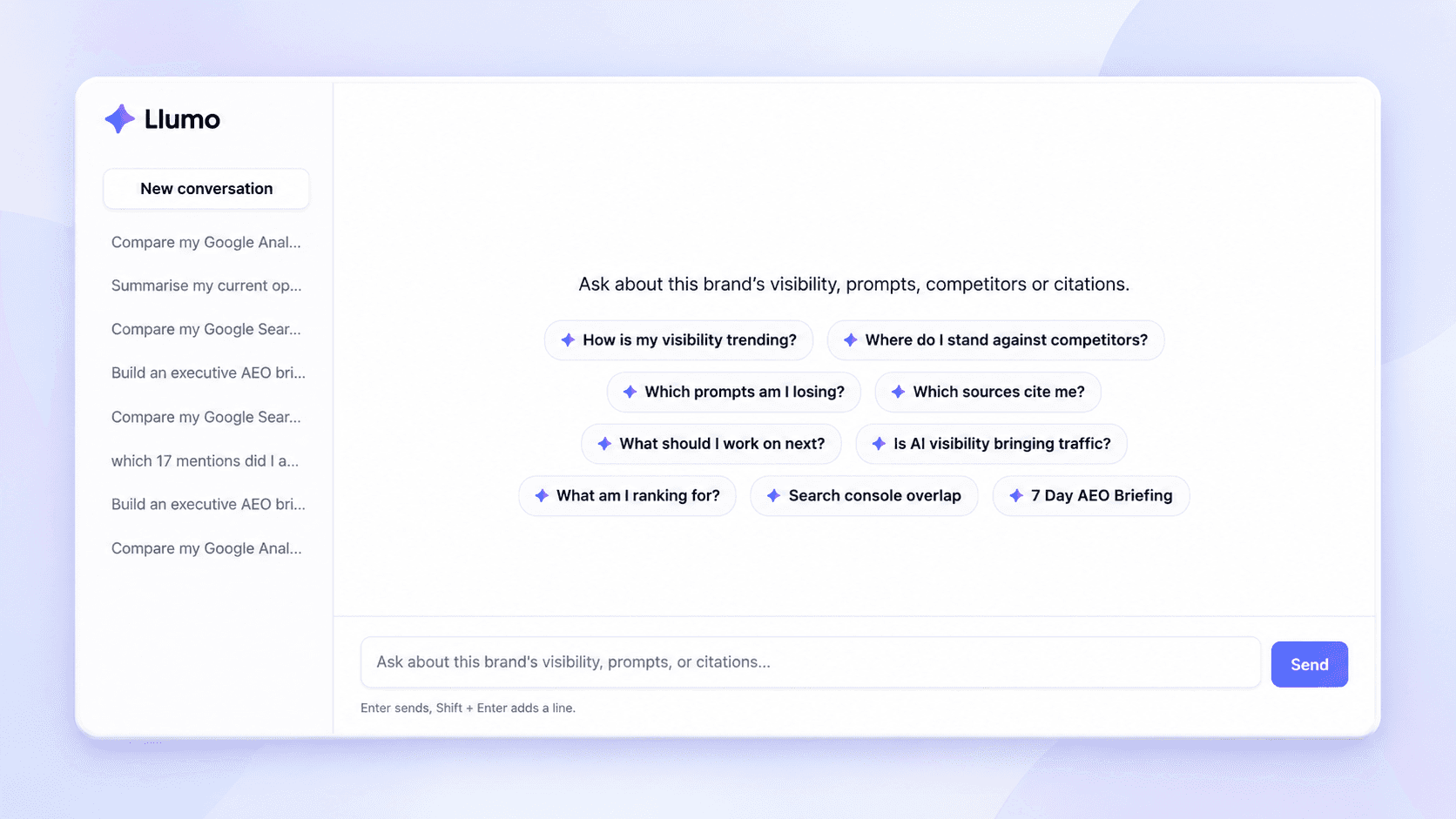
Llumo comparing Google Analytics traffic with AI visibility and share-of-voice data from the same period.
Find What Search Console Alone Cannot Show You
Search Console can tell you that a page received impressions for a query, its average position and how many people clicked. But it cannot tell you whether AI assistants recommend your brand when people ask the equivalent question.
Llumo can look at both sides of that equation.
|
Your website may be relevant enough to appear in traditional search, while answer engines are still choosing other brands, publishers or sources when generating responses. That is a very different problem from ordinary ranking loss, and it needs a different action plan.
The opposite can be useful too. Llumo may find your brand appearing regularly in AI responses for a topic where your own website has little Google Search Console visibility. That can expose an SEO content opportunity: AI systems already associate your brand with the subject, but you may not yet have a sufficiently strong page targeting the underlying search demand.
Turn Prompt Gaps Into Content Gaps
Traditional keyword tools start with keywords. AI discovery increasingly starts with questions, comparisons and follow-up prompts.
Someone might not search for “AI visibility software”. They might ask:
|
Those two requests represent similar commercial intent, but conventional SEO reporting may only expose part of the picture. By comparing prompt tracking with Search Console, Llumo can identify where there is little or no overlap.
That can reveal:
· Prompts where competitors are repeatedly mentioned but your brand is absent
· Topics with Search Console demand but weak AI visibility
· Topics with AI visibility but no strong organic landing page
· Existing pages that need better coverage, evidence or entity signals
· New article, comparison, FAQ or landing-page opportunities
See Who AI Is Citing Instead of You
Being mentioned in an AI answer is only part of AI visibility. The source behind the answer matters too.
Llumo tracks citations so the Assistant can investigate which domains repeatedly influence the prompts that matter to your business. If competitors dominate an important set of prompts, you can ask Llumo why.
The Assistant can surface the publications, comparison pages, roundups and other sources appearing across those responses. Rather than stopping at “Competitor X has higher visibility,” you can start answering “Which sources are helping Competitor X achieve that visibility, and which of them should we target?”
From Data to Prioritised AEO Opportunities
One of the biggest problems with SEO and AEO platforms is that they can produce enormous amounts of data without telling you what deserves attention first.
The Llumo AI Assistant can analyse signals together and rank potential opportunities by likely impact. For example, it may identify that a particular industry roundup is repeatedly cited across high-value prompts where your brand currently has little visibility.
Instead of merely reporting that fact, the Assistant can explain why the opportunity matters and suggest the next action, such as pitching the publisher, producing supporting data, creating a comparison resource or improving an existing page.

Llumo turning citation and visibility data into prioritised opportunities, with an explanation of likely impact and a recommended next step.
|
Questions You Can Ask Llumo
Because the Assistant can work across Llumo data and connected Google sources, it can answer much broader questions than a single-purpose dashboard. Below are a few samples of what you can ask
✦ Which prompts am I losing to competitors? | ✦ Which sources cite my brand most? |
✦ What topics have Search Console demand but poor AI visibility? | ✦ Where do I have AI visibility but weak organic search visibility? |
✦ Which pages should I improve first? | ✦ What am I already ranking for? |
✦ Has my visibility improved over the last seven days? | ✦ Which competitors are gaining share of voice? |
✦ What content gaps exist between Search Console and my tracked prompts? | ✦ Which citation sources should I target for outreach? |
✦ Is increased AI visibility translating into more website traffic? | ✦ Build me a seven-day AEO briefing. |
A Different Way to Use Analytics
We do not think the future of analytics is another screen containing 40 charts. It is being able to ask the questions that normally require multiple tools, exports and hours of interpretation:
· What changed?
· Why does it matter?
· Where are competitors beating us?
· What are we missing?
· What should we do next?
Google Search Console tells you how you appear in search. Google Analytics tells you what happens when people reach your website. Llumo tells you how your brand appears inside AI-generated answers. The AI Assistant brings those signals together in one conversation.
|